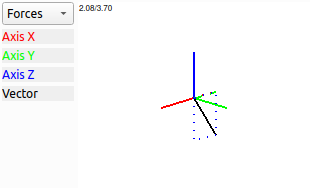
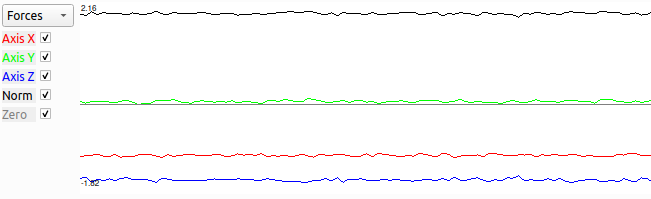
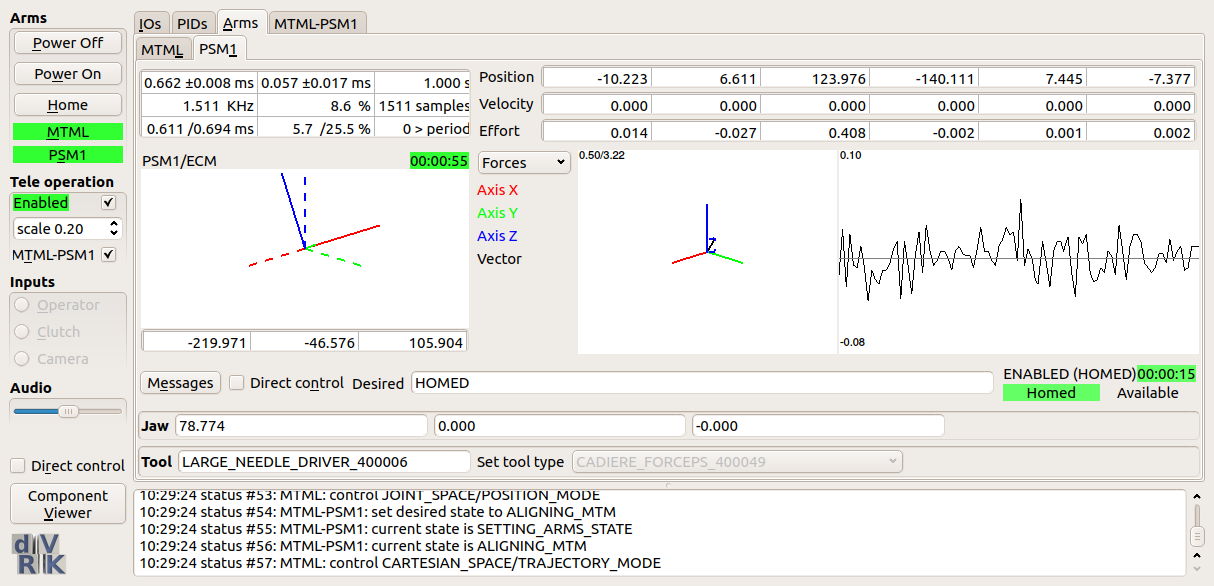
There is some built-in documentation for some dVRK widgets, you
can see it when you move the mouse over said widget. There are also a
few convenient keyboard shortcuts (for example ctrl+q to quit).
Moving the mouse over a button will display the corresponding
shortcut.
To increase readability, the dVRK widgets display positions in
millimeters and degrees even though all internal values use SI units
(meters and radians).
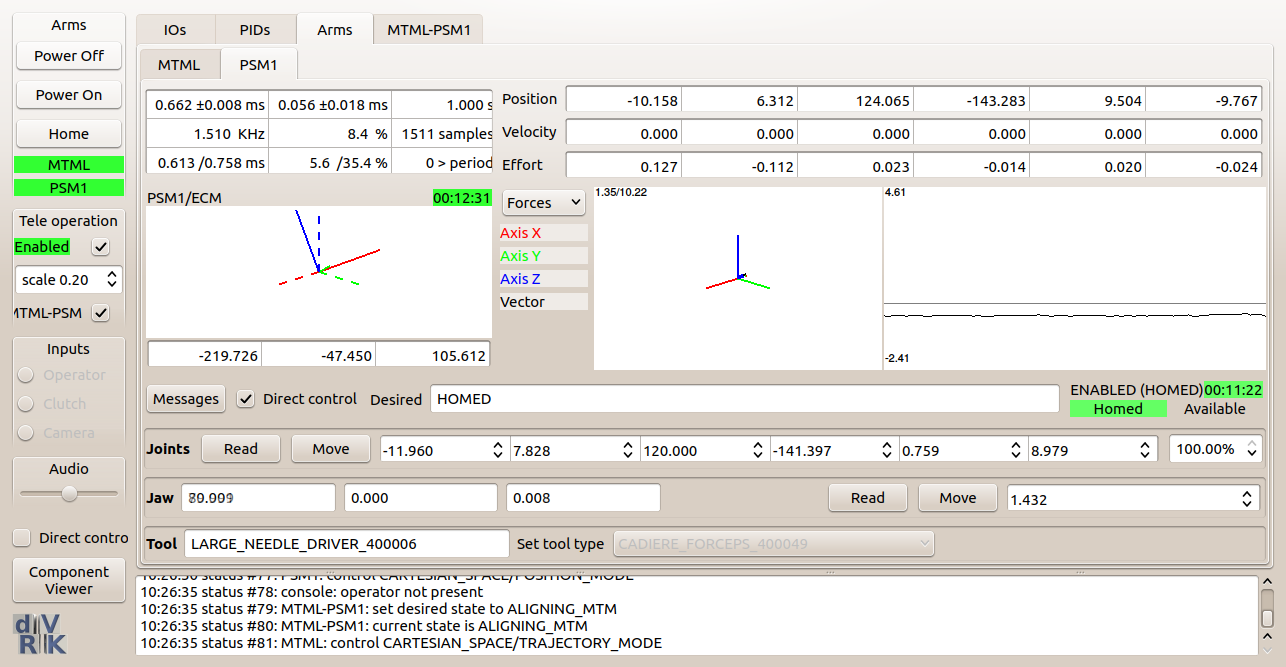
Most dVRK related widgets have a Direct control toggle button. By
default, Direct control is disabled and, for most users, it should
remain disabled.
Warning
Direct control should only be used for debugging and calibration
only. When enabled, the user has a more direct access to the
controller’s state and this can lead to unstable conditions… and
potential damage to the dVRK arms.
On top, from left to right, the widget display the names of the
moving and reference frames (e.g. PSM1/ECM). If the cartesian pose
is meaningless (e.g. arm not homed, no instrument on PSM), the
widget will show Invalid in red. The time displayed along the
status is the time the pose was computed since the program started.
The rotation is displayed in the middle. The default is a 3D view,
but one can change to a matrix, quaternion or axis/angle using the
right-click menu.
The position vector is displayed at the bottom, in millimeters.
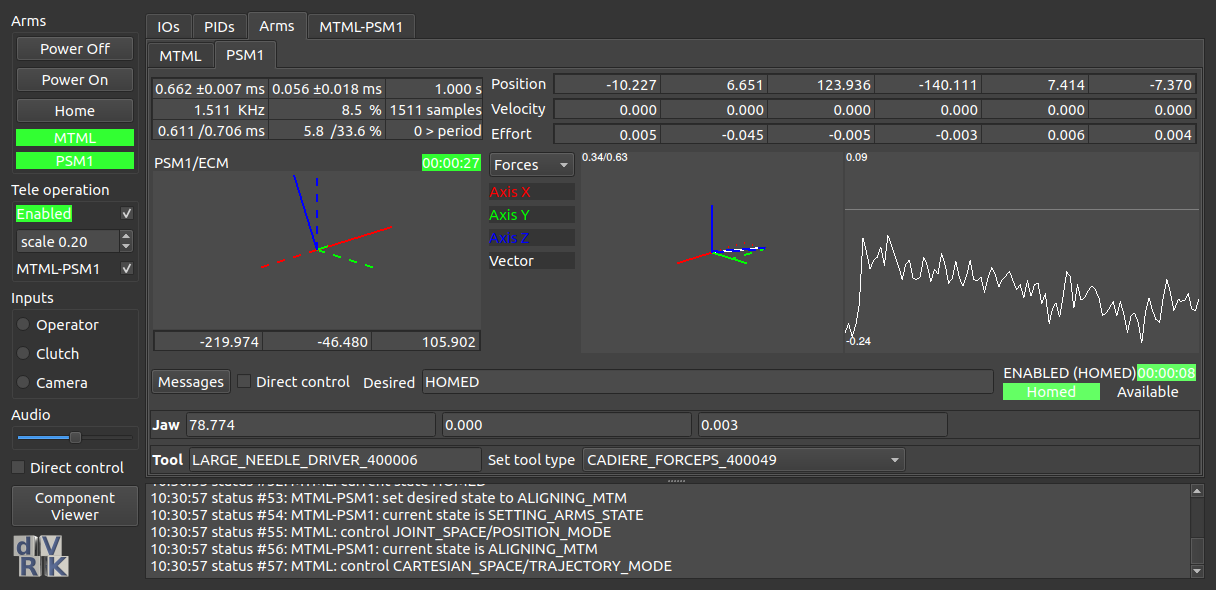
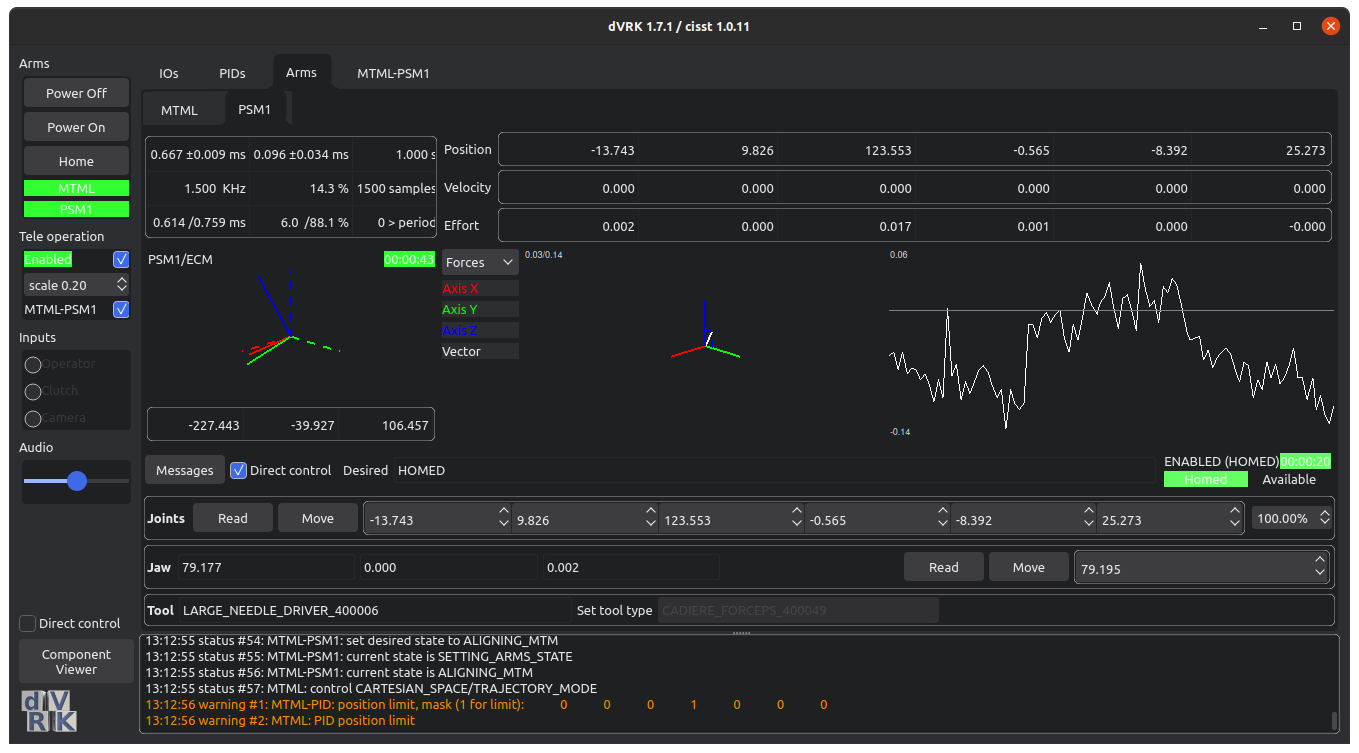
Starting with the dVRK 2.0, we added support for a “pseudo” dark mode
and Qt styles. If you’re using a Qt based window manager you will
likely not use these features (e.g. KDE). For the default Ubuntu
window managers, these extra options allow some user customization of
the dVRK GUIs.
To activate the dark mode, add the option -D when starting the
dVRK console application. This applies to the plain application
sawIntuitiveResearchKitQtConsoleJSON as well as the ROS node
dvrk_robot/dvrk_console_json.
To change the Qt style, use the option -S. To figure out which Qt
styles are available, use a dummy style that doesn’t exist: -Sunicorn (let’s hope no one will ever create a Qt style named
“unicorn”). The application will fail to launch, but it will display a
list of available styles.