3.3.4.5. Endoscope focus controller
Introduction
This page describes how to use the endoscopic camera focus with the dVRK. This is useful only for groups with an Intuitive Surgical camera from a Classic or S system (see also Intuitive endoscope). We do not have access to the focus controller for Si cameras.
We offer two different ways to control the camera focus with the dVRK:
da Vinci focus controller: Use the original Intuitive Surgical da Vinci focus controller using the dVRK arm controller to trigger the +/- digital inputs from the foot pedals. This is the simplest approach and it replicates the features of the clinical system.
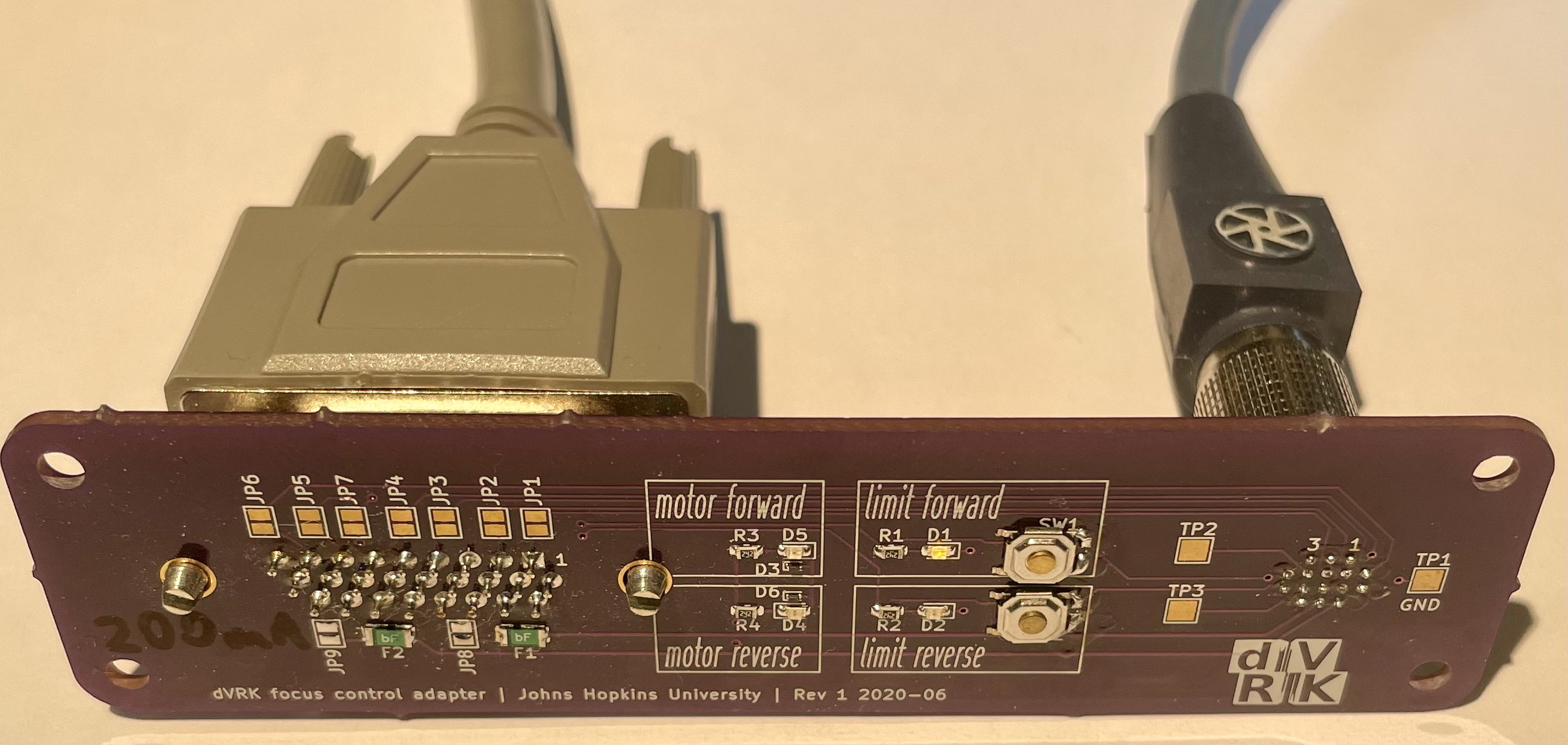
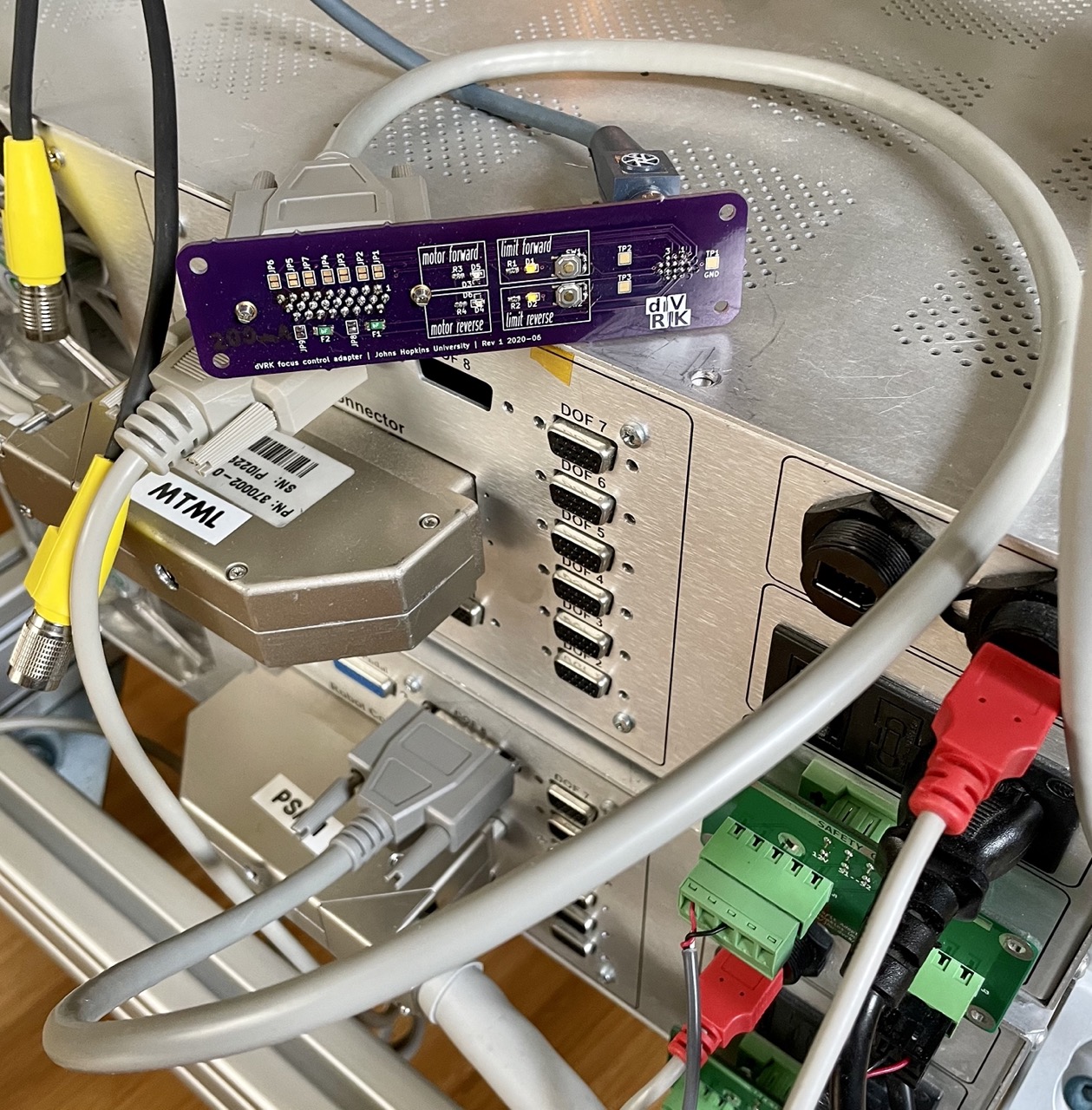
dVRK focus controller: bypass the original controller and use the dVRK arm controller to control the motor in the camera stereo head. This requires a more complex adapter but gives access to more information (e.g. encoder position of the focus stage).
da Vinci focus controller
Description
The goal of this section is to describe how to control the original camera focus controller using the foot pedals through the dVRK controllers/software.
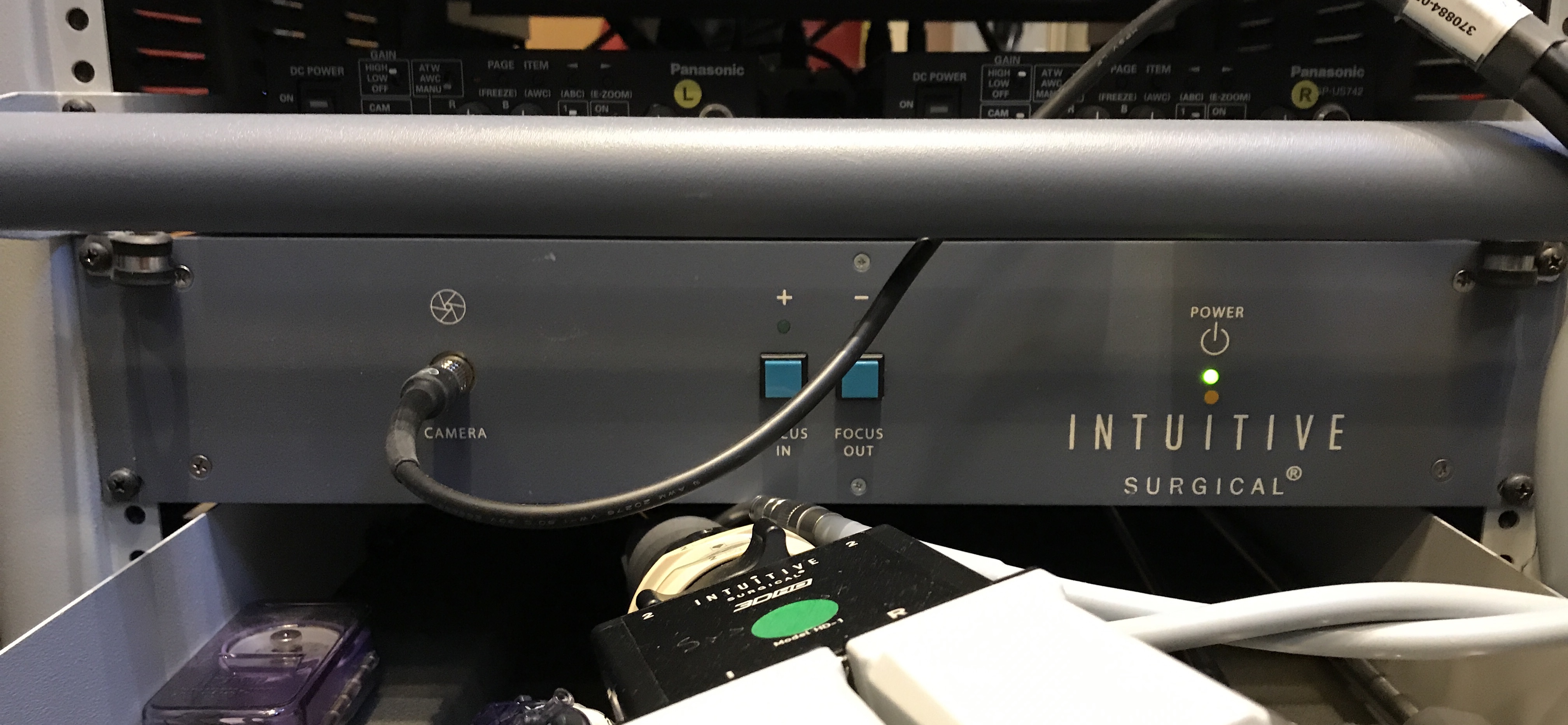
Classic camera focus controller (front)
Wiring
You will need to make the following custom cable:
da Vinci focus controller side
Back of endoscope focus controller, male DSUB 15 pins
Focus +, short pin 1 with pin 9, power comes from pin 1 (floating high, 5V)
Focus -, short pin 4 with pin 9, power comes from pin 4 (floating high, 5V)
dVRK controller side
Using digital outs on first QLA FPGA
Digital out 3 connected to DB 15 on DOF 1:
Pin 14: on: 0V, off: 5V. We should use this pin for focus + control, off by default
Pin 10 is grounded
Digital out 2 connected to DB 15 on DOF 2:
Pin 14: on: 0V, off: 5V. We should use this pin for focus - control, off by default
Pin 10 is grounded
Cable wiring
The cable is “Y” shaped, on the dVRK controller side you will need two male DB 15 connectors (3 rows of 5 pins) which will plug in the connector labeled DOF 1 and DOF 2 on the back of the dVRK controller. On the ISI focus controller side, you need a single male DB 15 connector (1 row of 8 pins, 1 row of 7 pins).
You need 3 wires in your cable:
Focus + signal: dMIB DOF 1 pin 14 <-> Focus controller pin 4
Focus - signal: dMIB DOF 2 pin 14 <-> Focus controller pin 1
Ground: dMIB DOF 1 pin 10 and/or DOF 2 pin 10 <-> Focus controller pin 9 (dMIB share ground between DOF 1 and DOF2)
PowerPoint cabling diagram(same as picture below)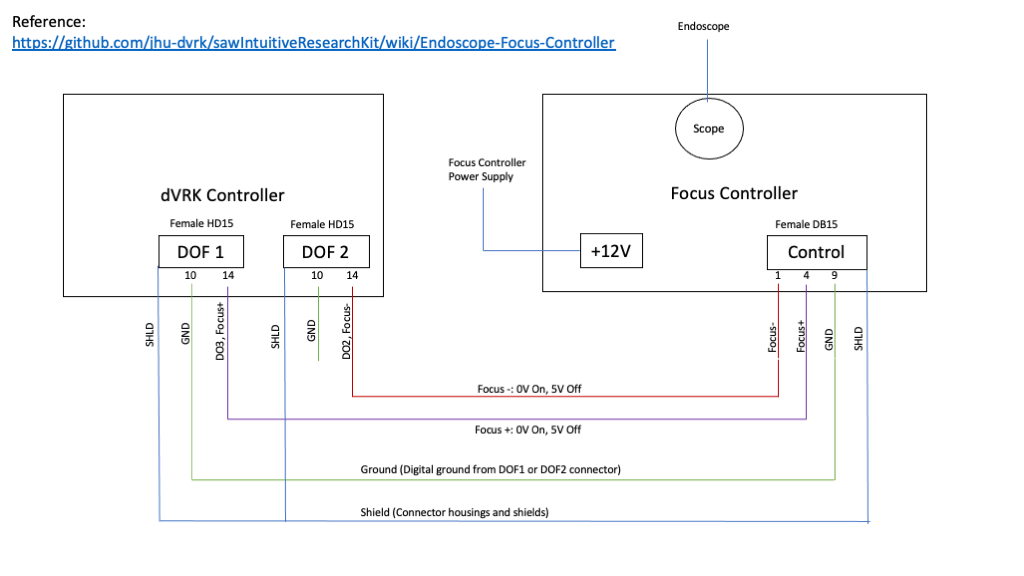
Connections
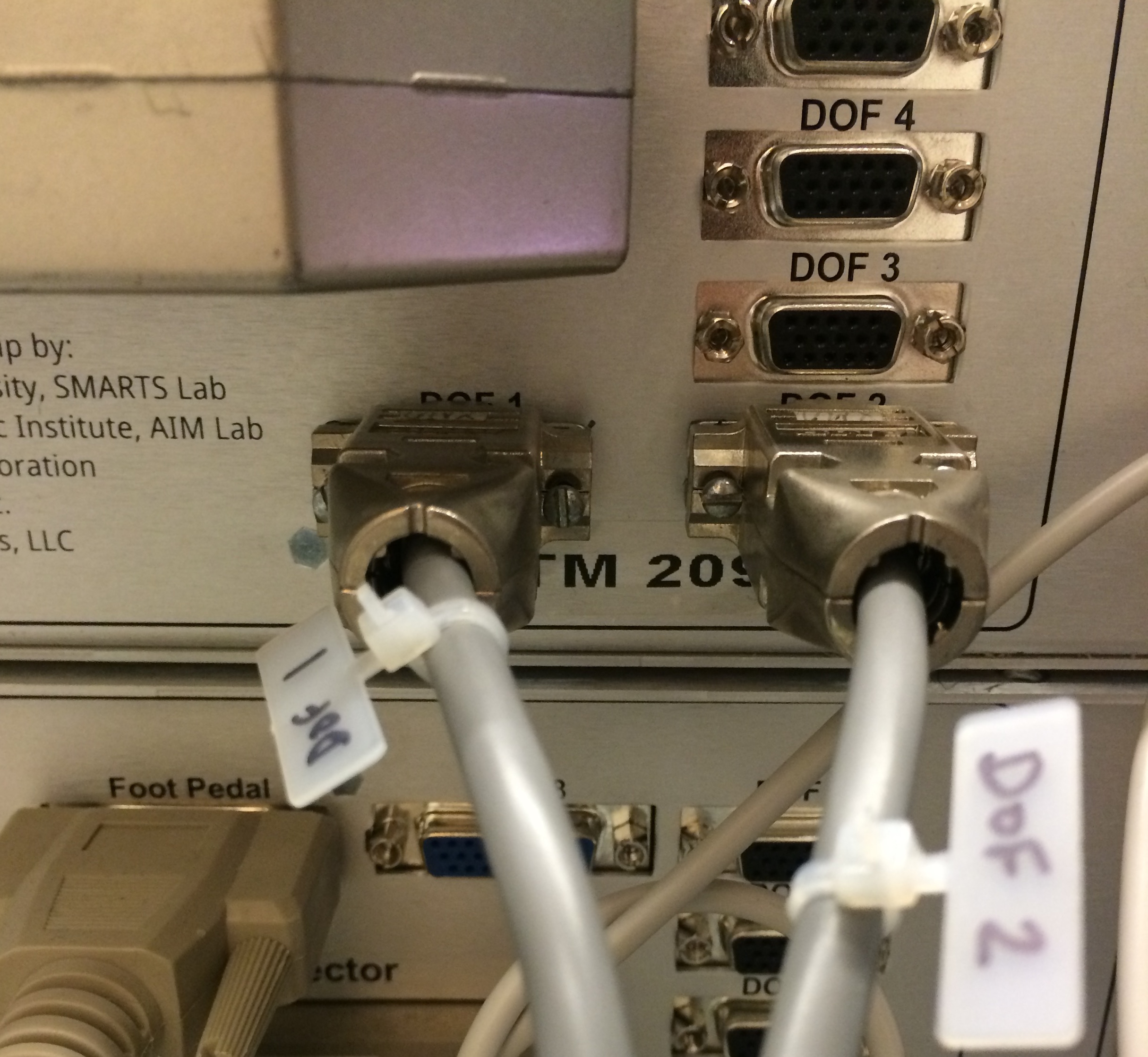
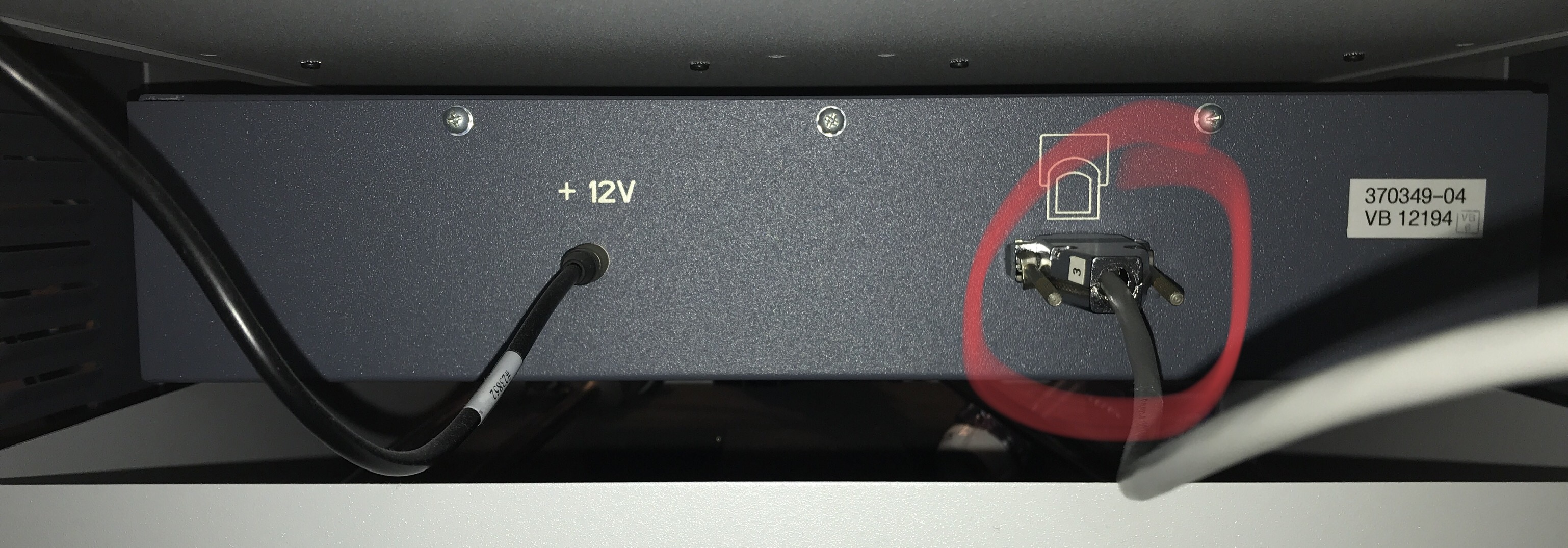
Configuration
To configure your console, see focus controller configuration. You can also use ROS topics to interact with the focus controller.
dVRK focus controller
Not released yet!