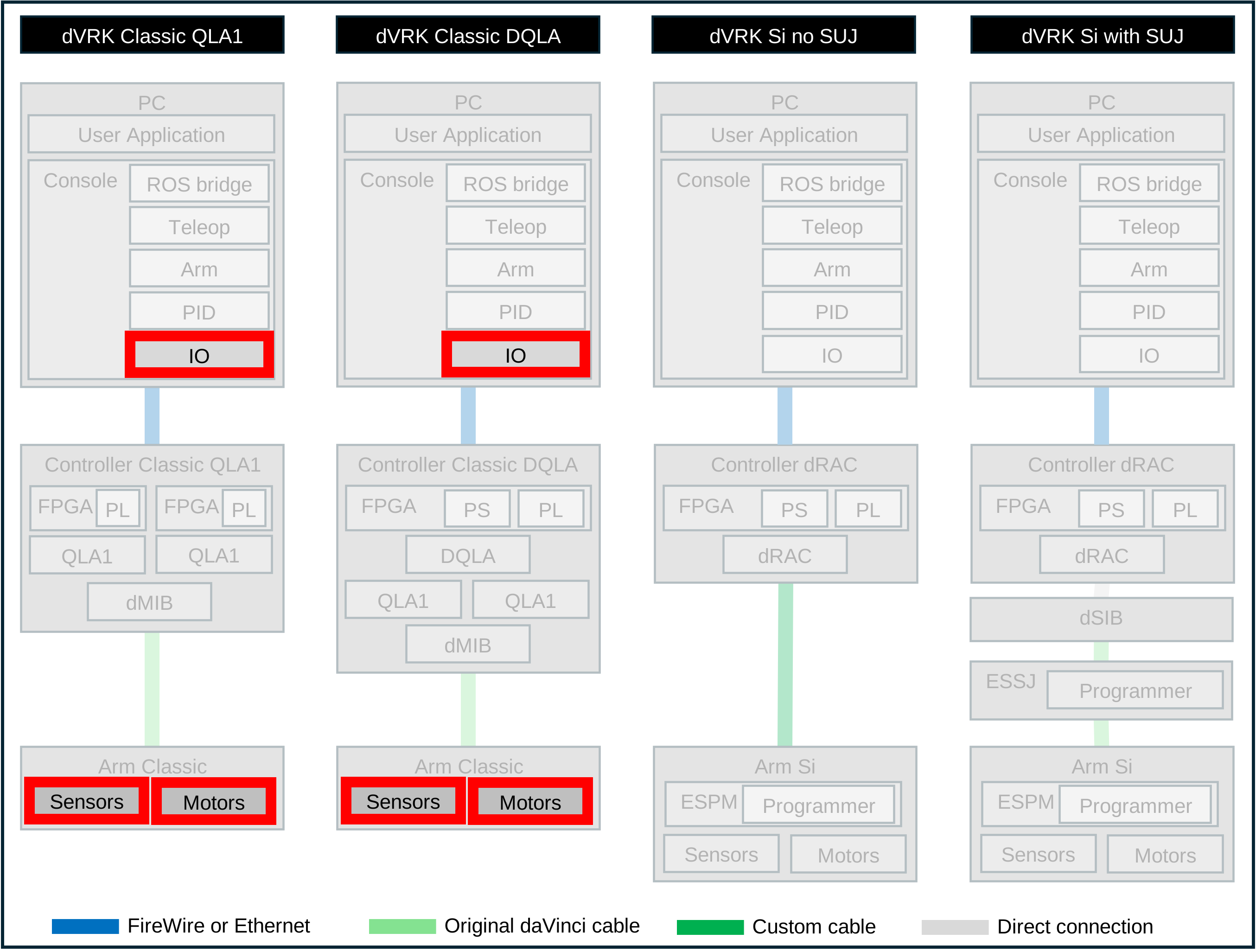
8.1.1. Introduction
Warning
This section is for the Classic arms only!
Before you get started, make make sure you’ve setup the dVRK arms first:
The dVRK Classic arms use a fair amount of analog signals that need to
be calibrated for better accuracy. The initial values in the JSON IO
configuration file are generated from the .cal file provided by
ISI. Unfortunately, these values don’t take into account the
differences between the original ISI controllers and the dVRK
controllers, so it is required to calibrate each set of arm/controller.
There are a number of different calibration steps to perform, different for each type of arm. The relevant calibrations for each arm are listed below. The “single step” links point to different procedures, make sure you follow all the steps for each arm.
PSM{1,2,3} |
MTM{L,R} |
ECM |
SUJ |
|
|---|---|---|---|---|
Motor current offsets |
||||
Brake current offsets |
||||
Potentiometer scales |
||||
Potentiometer offsets |
||||
MTM gripper |
||||
Brake release current |
||||
Gravity compensation |