5.2.2.9. ECM teleoperation
Introduction
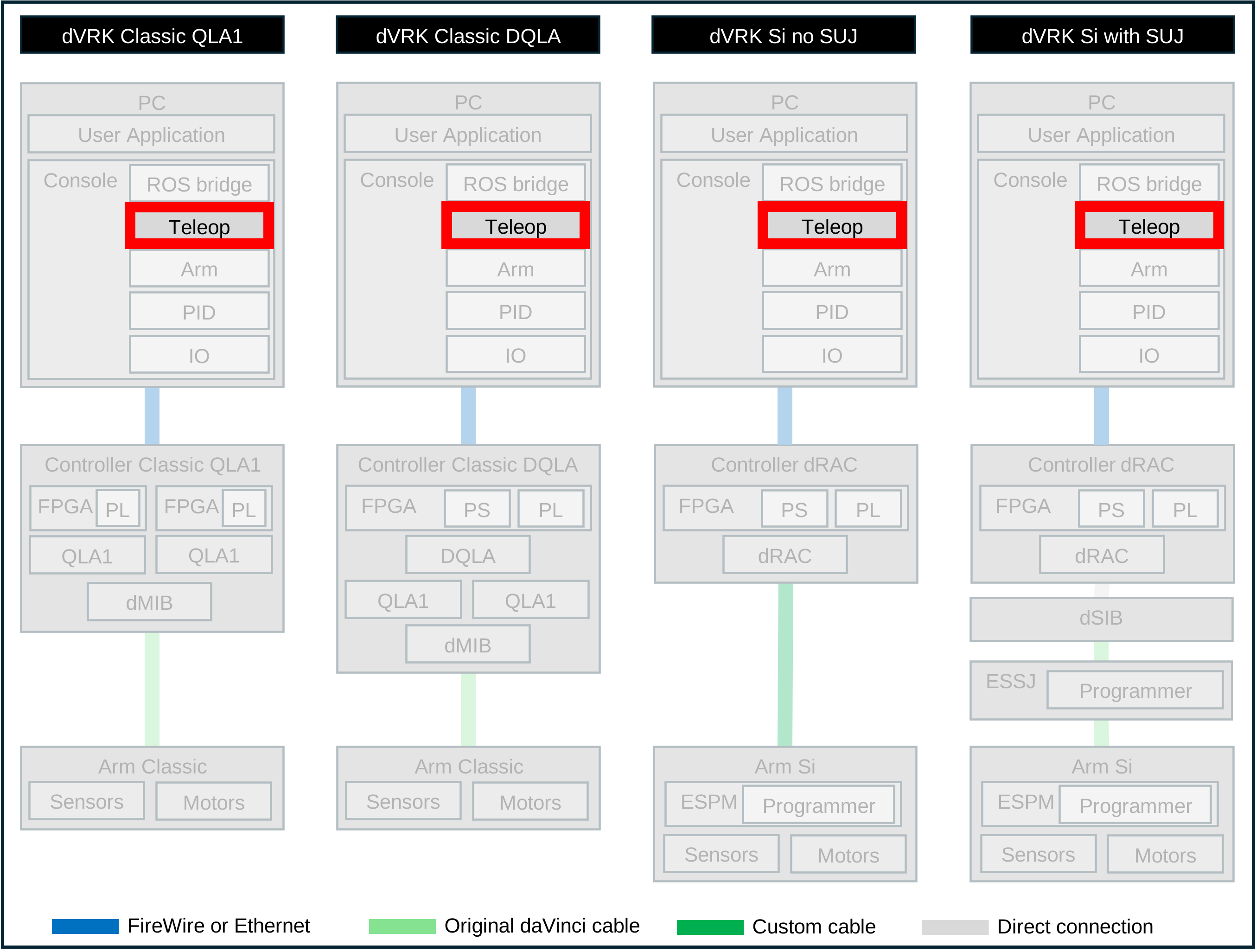
The dVRK teleoperation components (mtsTeleOperationPSM and
mtsTeleOperationECM) are provided as examples of dVRK
applications. As much as we would like to have an implementation as
good as the teleoperation provided by Intuitive Surgical on their
clinical systems, this is not (yet) the case.
If you need to write a new teleoperation logic or build upon the existing one, take a look at the application development section. Using the current implementations as base classes will allow you to focus on the teleoperation itself while all the state transitions can be inherited from the base class but you can also write one from scratch.
Behavior
The dVRK implementation attempts to mimic the ECM teleoperation implemented on the Intuitive Surgical Inc (ISI) clinical systems.
For the PSM, the teleoperation logic is to map the motion of the instrument to the operator’s input (MTM). For the ECM, one could imagine that one hand (MTM) would be enough to control the camera motion. This approach presents several issues:
The ECM has 4 DOF (3 translations and 1 rotation) while the MTM has 6 DOF (3 translations and 3 rotations). This means that some of the MTM motions are not feasable for the ECM.
MTM wrist rotations would be used to control the first two joints of the ECM. These joints are not as light as the wrist of the PSM instruments. Small wrist motions on the operator’s side would lead to aggressive motions on the ECM.
Once the ECM teleoperation ends, the MTM orientation will not match the PSM’s end effector orientation. This would require to re-align the MTM more often
Instead, the ECM teleoperation is performed using both MTMs. The operator feels like their holding the world with both hands and moving the world instead of the camera itself.
On the patient’s side, the ECM motion is constrained by the RCM. The camera can tilt up and down as well as pan left and right. It can also be moved in and out and roll along its axis. The ECM is also pretty heavy and can’t move as fast as the PSMs. To mimic these constraints on the operator’s side, haptic feedback is used to:
Maintain the two MTMs at a constant distance from each other to mimic the user grabbing the world.
Keep the two MTMs in a plane perpendicular to the vector going from the midpoint of the two MTMs to the RCM. This will ensure that the MTMs move in a way that is consistent with the ECM motion.
Slow down the overall ECM motion by applying a strong friction haptic feedback on both MTMs.
Note
The MTMs have to report their cartesian positions with respect to the stereo display, the origin is roughly between the operator’s eyes.
Then the motions allowed are the following:
Moving both MTMs up or down will tilt the camera down or up respectively.
Moving both MTMs left and right will pan the camera right and left respectively.
Moving both MTMs closer or further away from the operator the will move the camera in and out.
Turning the two MTMs like a handle bar will make the camera rotate along its axis. When the operator turns clockwise, the camera turns counter-clockwise.
Note
Since the operator can’t move the world itself, the camera has to move using the inverse transform to give the impression the world moves.
This approach only relies on the position (x, y and z) of both MTMs, not their wrist orientation. During the ECM teleoperation, the MTM wrist orientation is continuously updated to match the PSMs orientation with respect to the camera while the ECM is moving. This way, when the ECM teleoperation stops, the MTMs are already aligned and the PSM teleoperation can start.
Implementation
As for the PSM teleoperation, the ECM teleoperation records the initial position of the MTMs and ECM when it starts. Then all ECM positions are computed based on the current MTMs position compared to the initial ones.
The steps are:
Find the distance between MTMs and the reference frame, i.e. the stereo display.
Use average depth to create a virtual image plan, aka the world.
Project the MTMs positions on that plane. This defines two virtual handles on the world.
Track the position of the midpoint between the two handles to define to compute the motion of the ECM joint 1, 2 and 3
Track the orientation of the vector between the two handles to compute the motion of the ECM joint 4.
Main limitations
The current MTM inverse kinematic relies on a simple iterative algorithm, it is pretty bad at handling the MTM 7 DOFs. When entering in ECM teleoperation, the MTMs wrists might move in odd ways.
Code
dVRK constants: https://github/jhu-dvrk/sawIntuitiveResearchKit/blob/main/components/include/sawIntuitiveResearchKit/mtsIntuitiveResearchKit.h (some related to ECM teleoperation)
Code file: https://github/jhu-dvrk/sawIntuitiveResearchKit/blob/main/components/code/mtsTeleOperationECM.cpp
API
See teleoperation API.