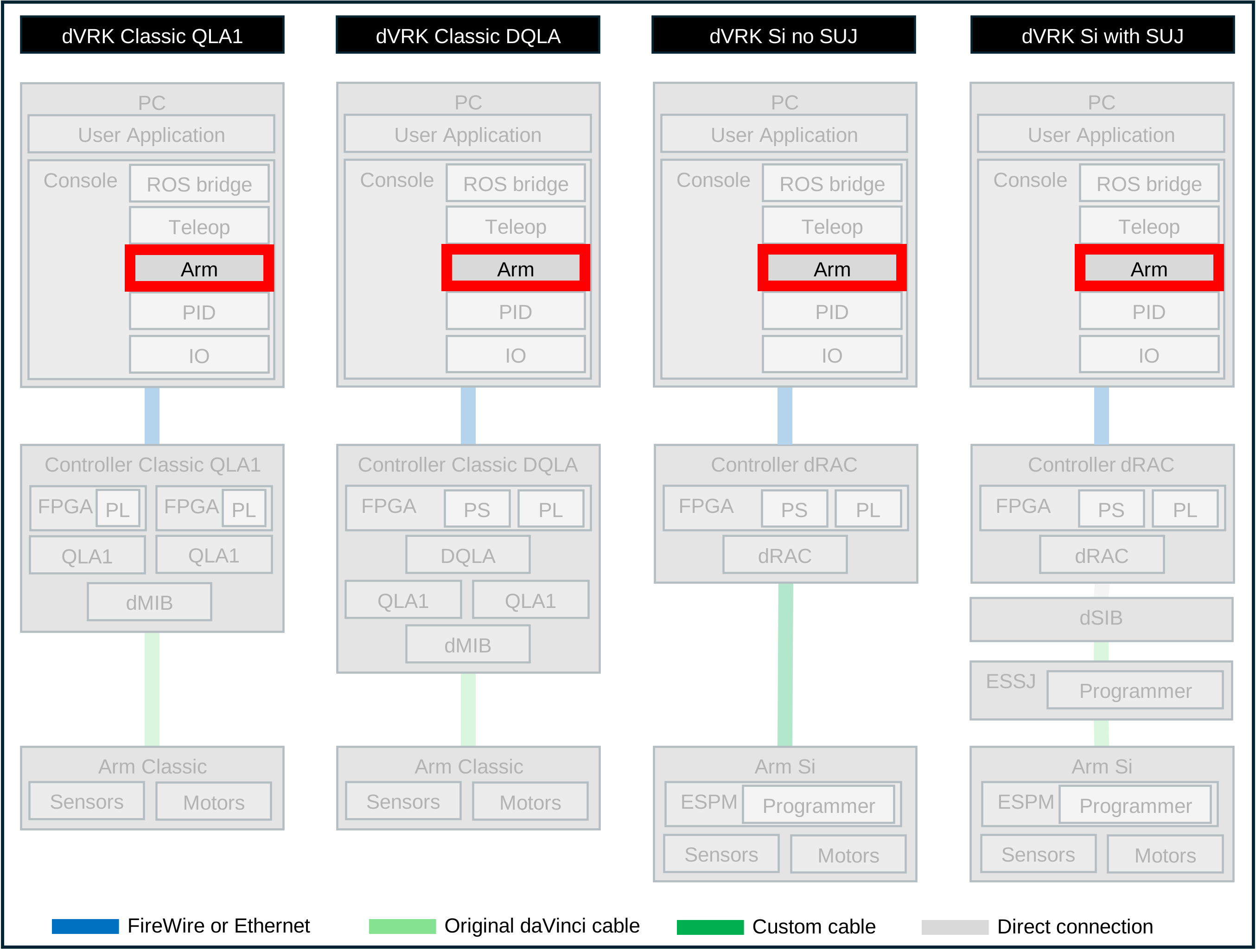
7.5. Arm
For all dVRK native or derived arms, documentation is based on JSON schema.
All arms are derived from a base class with shared configuration parameters:
For all derived arm classes:
7.5.1. Instrument detection
In your PSM configuration file (for example PSM1-12345.json), you
can set the tool detection to be manual, automatic or fixed:
{
  "kinematic": "kinematic/PSM.json",
  "tool_detection": "AUTOMATIC"
  // "tool_detection": "MANUAL"
  // "tool_detection": "FIXED",
  // "tool": "LARGE_NEEDLE_DRIVER:400006"
}
The different options for tool_detection are:
AUTOMATIC: this will rely on the Dallas chip query (this will work with all Si PSMs as well as Classic PSMs with a recent or modified controllers)MANUAL: when a tool is inserted, the user or application has to specify which tool to use. This can be done using the Arm GUI with a drop-down menu or using a programmatic interface (e.g. ROS topic).FIXED: fixed type of tool, i.e. there is only one type of tool used. To change tool, you will need to stop the program, change the configuration file and restart the program. The configuration file must then define the tool type usingtool. Tool definitions can be found inshare/tool. If the revision number is needed, it can be specified using[](for example:LARGE_NEEDLE_DRIVER:420006[12]).
The FIXED setting is useful if you modified an existing
instrument. In this case, you can force which
instrument definition will be loaded using your own instrument’s name
and model number.