5.1.4. CMake
Warning
We strongly recommend to NOT use these instructions, unless you are really allergic to ROS. The ROS build with ROS 1 catkin or ROS 2 colcon are much simpler and require less manual steps.
5.1.4.1. Introduction
This page contains general guidelines on how to build the dVRK software stack without ROS. These are not precise step-by-step instructions.
Most of the code used for the dVRK is portable, i.e. it can be compiled on Linux, Windows and macOS. The build process relies on CMake, so it is also portable.
FireWire support is currently available on Linux only. When using ROS, it is recommended to stick to Ubuntu distributions but any other Linux distribution should work if you’re willing to compile the code “by-hand”. Ethernet is supported by all operating systems as well as all the other dVRK components.
There are some major drawbacks when not using ROS:
The dVRK becomes a “black box” with no easy way to interface. One can use an alternate Middleware such as sawSocketStreamer or sawOpenIGTLink, but these are not as convenient as ROS.
None of the programs provided along the dVRK relying on ROS will work. That includes many calibration scripts. So if you plan to use Windows or macOS for a specific application, you will still need to use Linux/ROS to calibrate your system. The configuration files are OS-agnostic.
5.1.4.2. Dependencies
git
Linux for IEEE-1394 (FireWire):
libraw1394(andlibraw1394-dev)CMake for build and configuration
C++ compiler, either gcc or clang
Qt5
libncurses5-dev: curses based test GUI for 1394
flite: for some experimental text to speech
gfortran for our netlib code (optional, one can use the C version)
OpenIGTLink for sawOpenIGTLink
5.1.4.3. Getting the code
The main repositories for the dVRK project are:
https://github.com/jhu-cisst/cisst-saw.git - this is a meta repository, i.e. doesn’t contain much code but has git submodules to clone all the cisst libraries and SAW components. The main advantage of cloning this repository is that it will clone most of the repositories needed. With
cisst-saw.git, to switch to the development branches, you can do the following:git submodule foreach git checkout devel git submodule foreach git pull origin devel git submodule foreach git submodule init git submodule foreach git submodule update
Instead of using the cisst/SAW meta repository and git submodules, one can clone each repository manually. The dVRK
vcsfiles can be used to figure out the repositories needed (see Repositories).https://github.com/jhu-cisst/cisst.git - cisst libraries, this repository is included as a submodule of
cisst-saw.githttps://github.com/jhu-saw/…. - repositories for sawRobotIO1394, sawKeyboard, sawControllers… All included as submodules of
cisst-saw.githttp://github.com/jhu-dvrk/sawIntuitiveResearchKit - SAW components specific to the dVRK. Included as submodule of
cisst-saw.git
5.1.4.4. Compilation
For all OSs, you need to first compile cisstNetlib. It is recommended to compile the C version of cisstNetlib unless you have access to a old Fortran compiler (gfortran 9 or lower). You will then need to compile the cisst/SW meta repository. The steps are described in the GitHub continuous integration YAML files:
Windows: https://github.com/jhu-dvrk/dvrk-github-workflow/blob/main/.github/workflows/windows-latest.yaml
macOS: https://github.com/jhu-dvrk/dvrk-github-workflow/blob/main/.github/workflows/macos-13.yaml
The dvrk-github-workflow repository also contains CMake cache files to set some default values. The following CMake variables should be defined as follows:
CMAKE_BUILD_TYPE:ReleaseCISST_USE_EXTERNAL:ONCISST_HAS_CISSTNETLIB:ONCISSTNETLIB_USE_LOCAL_INSTALL:ONCisstnetlib_DIR: your install directory, something like/Users/<you>/dVRK/install/cmakeCISST_HAS_JSON:ONCISST_BUILD_SHARED_LIB:ONCISST_USE_SI_UNITS:ONCISST_HAS_QT5:ONCISST_cisstRobot:ONSAW_sawControllers:ONSAW_sawIntuitiveResearchKitSAW_sawRobotIO1394:ONSAW_sawTextToSpeech:ON
5.1.4.5. Environment variables
cisst/saw uses a few environment variables, standard ones such as
PATH (see http://www.linfo.org/path_env_var.html) and
LD_LIBRARY_PATH (see
http://tldp.org/HOWTO/Program-Library-HOWTO/shared-libraries.html).
To simplify the user’s life, we provide scripts to set these
environment variables based on individual setups. To set your
environment variables with bash, go in your build tree and type:
cisst/cisstvars.sh
Notes:
The environment variables are set per shell, i.e. if you open a new terminal, you need to “source” the
cisstvars.shscript again.If you want to set the cisst variables once and for all, you can modify your
.bashrcor.profileconfiguration files.On macOS, you might need something like:
export
DYLD_LIBRARY_PATH=$DYLD_LIBRARY_PATH:/Users/<you>/dVRK/build/cisst-saw/cisst/cisstReflexxesTypeII/lib
5.1.4.6. Screenshots
Even though it is fairly useless to compile the dVRK stack on macOS, we tried it.
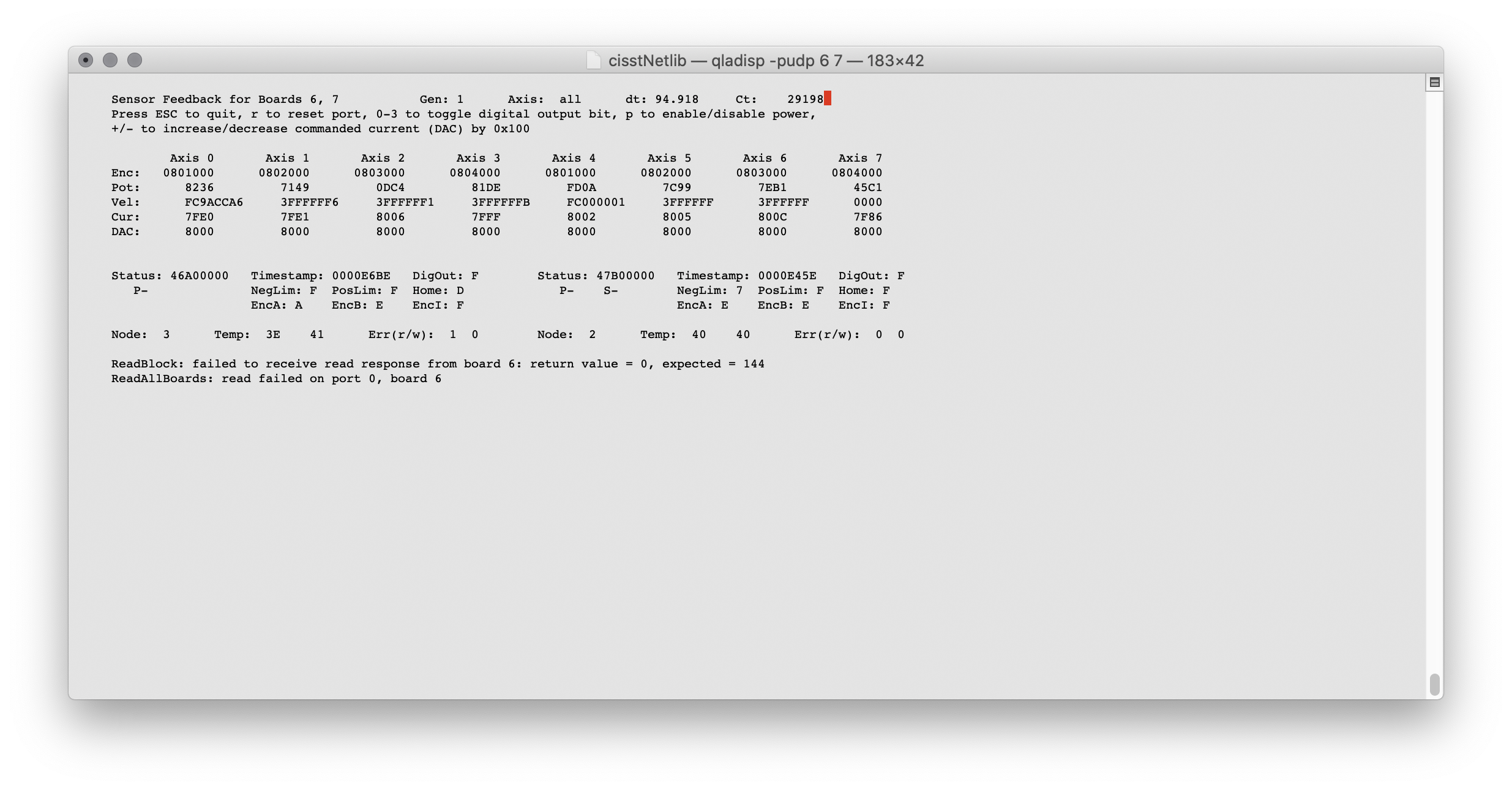
qladisp on macOS
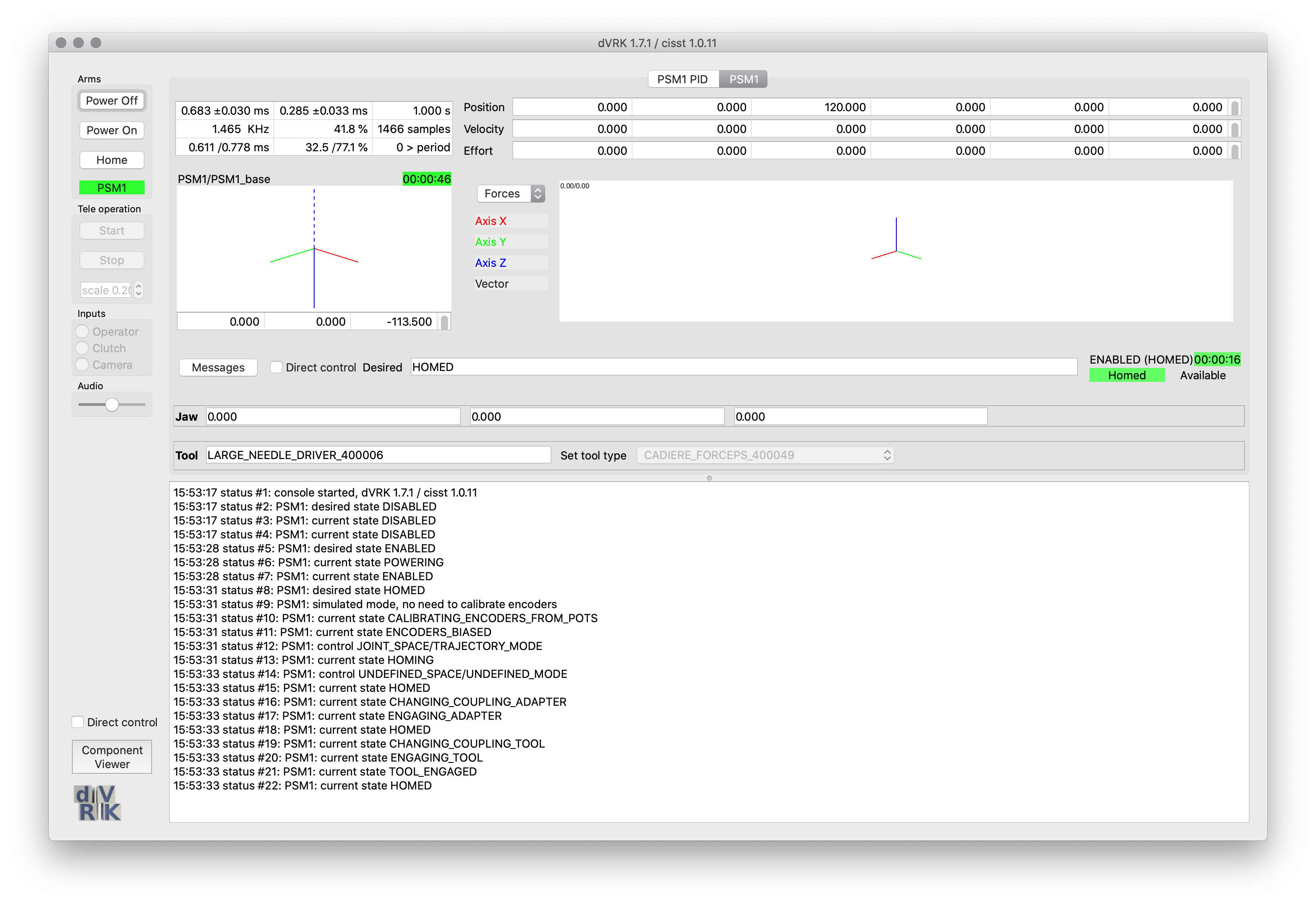
System with simulated PSM1 on macOS
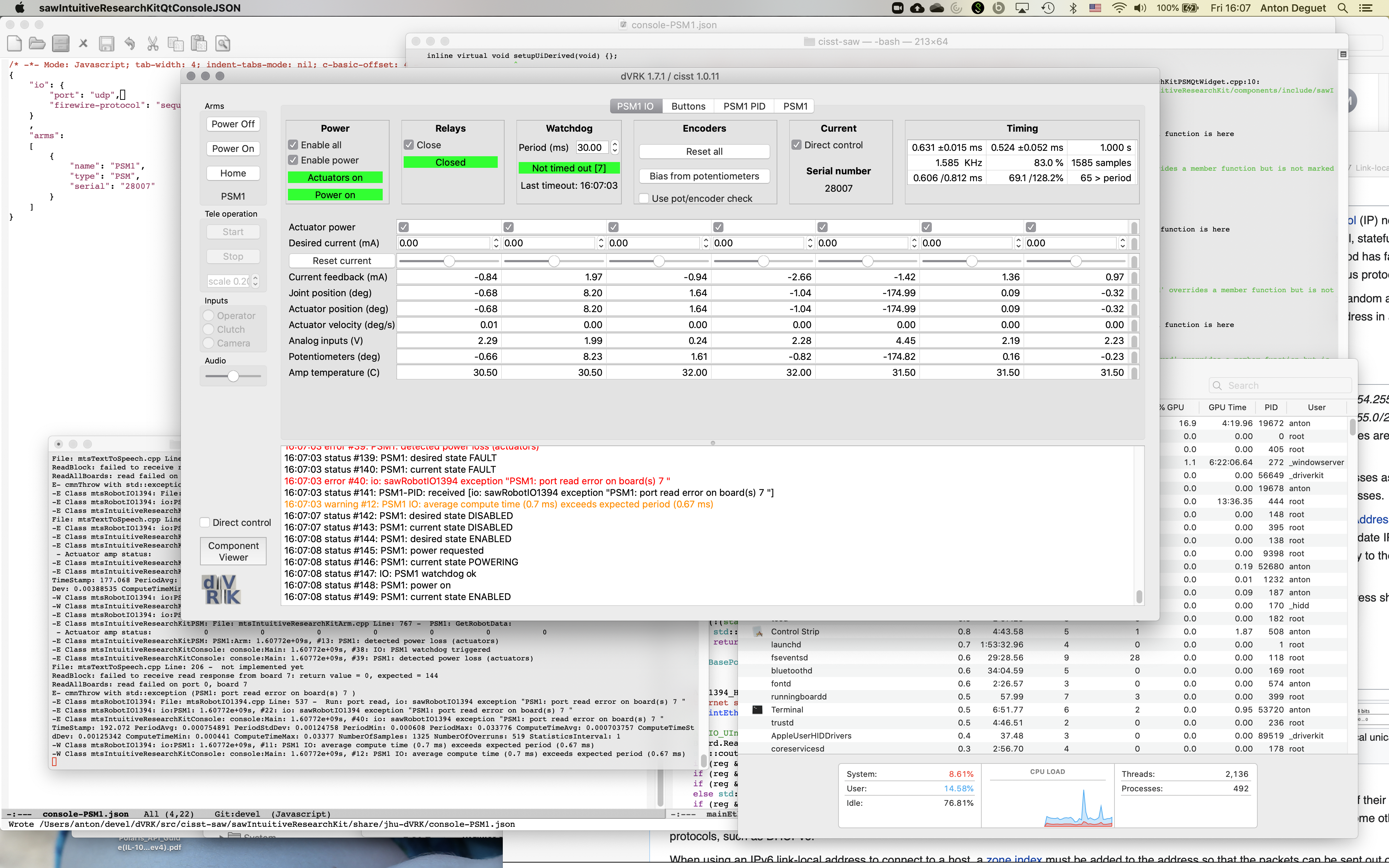
System with PSM1 over UDP on macOS